
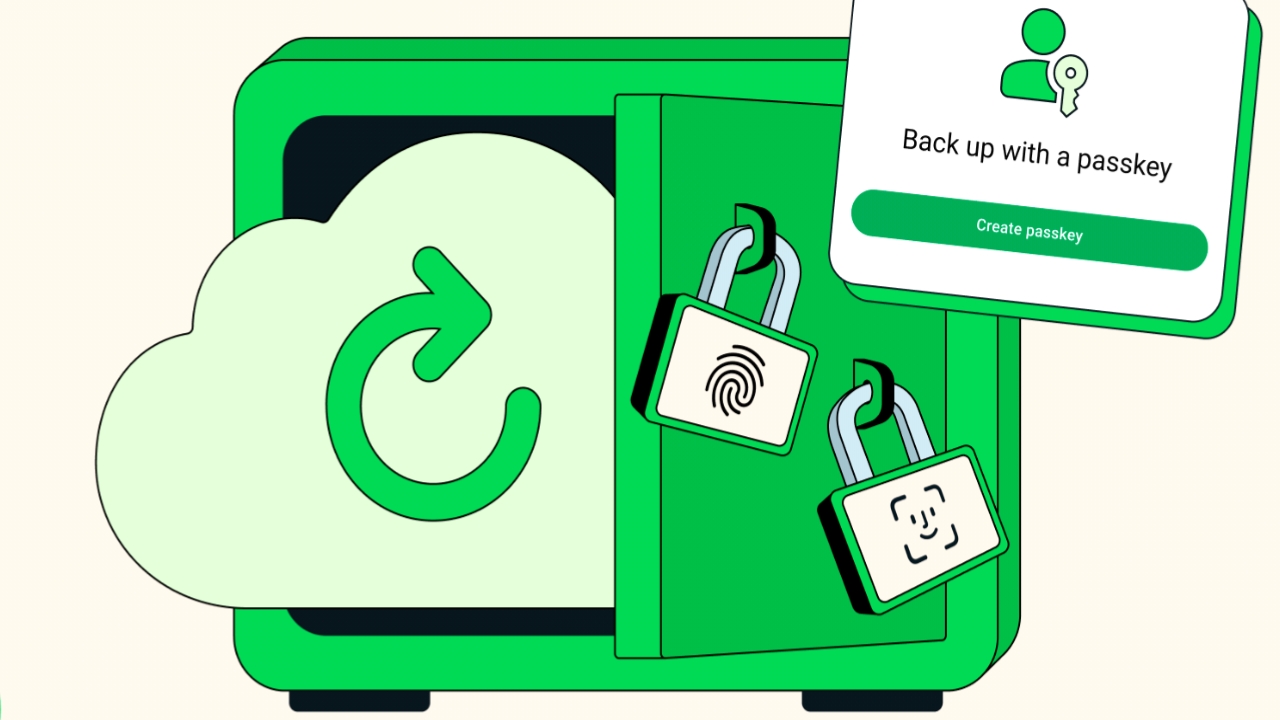
WhatsApp has rolled out a new privacy feature that lets users secure their chat backups with passkeys, using their phone’s fingerprint, face recognition, or screen lock instead of traditional passwords or lengthy encryption keys. The update enhances data protection and simplifies the process of safeguarding chat histories across devices.
What the Update Means for Users
This feature builds on WhatsApp’s existing end-to-end encryption, which already protects personal messages and calls. Previously, users who wanted to encrypt their backups on Google Drive or iCloud had to create and remember a separate password or store a 64-digit encryption key.
With passkey-based encryption, backup protection is now tied directly to the device’s security system. A simple fingerprint scan, face recognition, or screen lock confirmation can now secure and later restore a backup. WhatsApp says this ensures that backups remain private even if a device is lost or replaced.
Also Read:
OnePlus 15 to Launch in India on November 13: Expected Price, Features, and More
Samsung Wallet will support Biometric UPI Payments for small Transactions starting in December
How to Enable Chat Backup Passkeys
The feature is rolling out gradually over the next few weeks. Once available, users can activate it by navigating to:
Settings → Chats → Chat Backup → End-to-End Encrypted Backup
How WhatsApp’s Encryption Works
WhatsApp’s end-to-end encryption ensures that messages and calls can only be seen by the sender and recipient. Each message is protected by a unique digital key, inaccessible even to WhatsApp. This system operates automatically without requiring manual setup.
Business Chats and Data Handling
Messages exchanged with business accounts are also encrypted using the same Signal protocol before leaving the user’s device. However, once delivered, the handling of these messages depends on the business’s own privacy policies. Some companies may allow employees or third-party vendors to view messages or use chat data for customer service, analytics, or marketing on Meta’s platforms.