
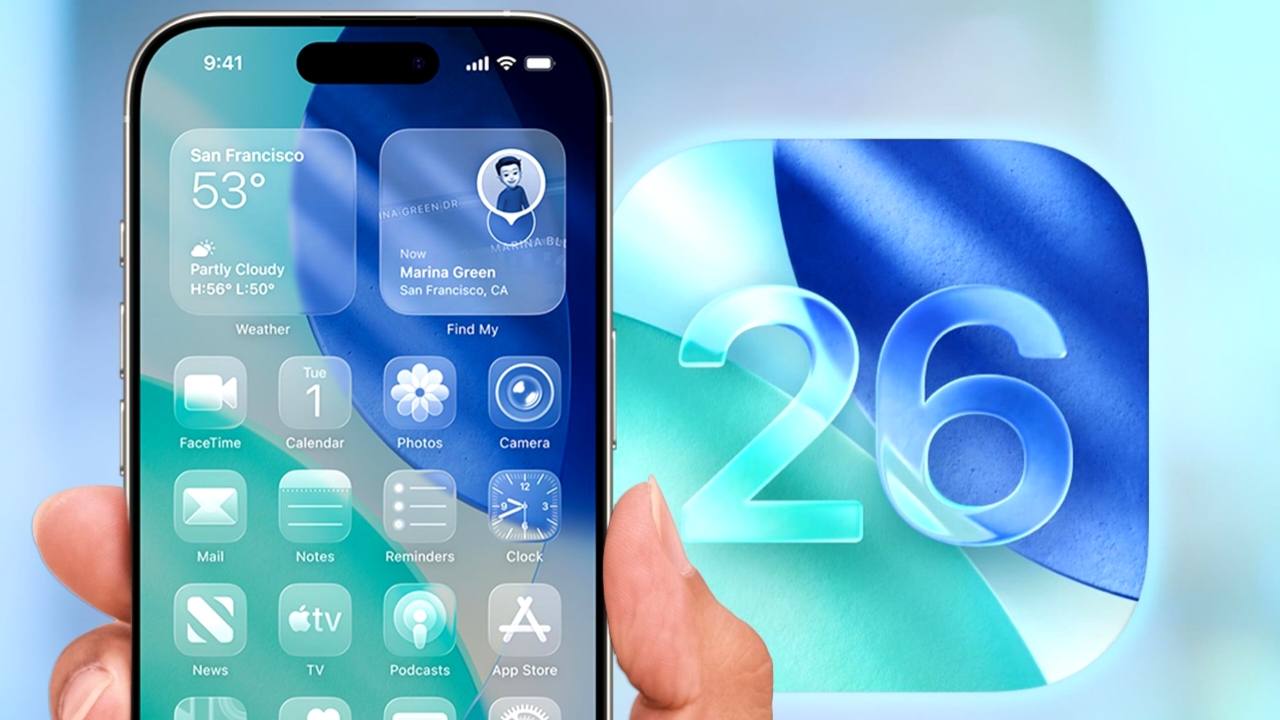
Apple has rolled out the third developer beta of iOS 26.2 for eligible iPhone models. The latest build adds several new features and refinements, including a one-time AirDrop code option, expanded access for third-party health apps to read Hypertension Notifications from Apple Watch, and more. The beta also includes references to a future feature that may allow users to reassign the Side Button to launch third-party voice assistants instead of Siri—though this capability is expected to remain limited to select regions.
What’s New in iOS 26.2 Developer Beta 3?
AirDrop
Beta 3 introduces a new AirDrop feature that lets users generate a one-time code to securely share AirDrop access with someone outside their contacts. After sharing the code, both users can exchange files for up to 30 days. You can manage these temporary connections via Settings > General > AirDrop > “Manage Known AirDrop Contacts.”
Hypertension Notifications
Apple’s developer notes confirm that third-party health apps can now request permission to read Hypertension Notifications generated by compatible Apple Watch models. This access is enabled through a new API for the Hypertension Monitoring feature.
Also Read:
Apple iPhone 18 Pro Rumored to Replace Cosmic Orange with fresh, on-trend Color Options
Liquid Glass Settings
In the “Tinted” mode of the Liquid Glass interface, Apple now warns users that this option can’t be used alongside Reduce Transparency or Increase Contrast accessibility settings.
Games App
A new pop-up highlights upcoming improvements to the Games app, including enhanced library filters, better controller navigation, and live score updates during gameplay.
Liquid Glass Level Updates
Following the introduction of a Liquid Glass–inspired Level tool in last week’s beta, Apple has further refined the interface in Beta 3 to prevent readings from being obscured at certain angles, as reported by 9to5Mac.
Side Button Action
According to MacRumors, Apple is preparing a region-specific feature that would allow iPhone users in Japan to assign a third-party conversational assistant—such as Google Gemini—to the Side Button. Currently, holding the Side Button only activates Siri. Apple’s documentation indicates that this option will be restricted to Japanese Apple Accounts belonging to residents of Japan.
Eligible iPhone Models
iPhone 17 series:
iPhone 17, 17 Pro, 17 Pro Max, iPhone Air
iPhone 16 series:
iPhone 16, 16 Plus, 16 Pro, 16 Pro Max, 16e
iPhone 15 series:
iPhone 15, 15 Plus, 15 Pro, 15 Pro Max
iPhone 14 series:
iPhone 14, 14 Plus, 14 Pro, 14 Pro Max
iPhone 13 series:
iPhone 13, 13 mini, 13 Pro, 13 Pro Max
iPhone 12 series:
iPhone 12, 12 mini, 12 Pro, 12 Pro Max
iPhone 11 series:
iPhone 11, 11 Pro, 11 Pro Max
iPhone SE:
2nd generation and later
How to Update to iOS 26.2 Developer Beta 3
- Sign in to the Apple Developer website and enroll in the iOS 26 beta program.
- Ensure your iPhone is signed in with the same Apple Account used for the Developer website.
- On your iPhone, go to Settings > General > Software Update.
- Select Beta Updates, then choose iOS 26 Developer Beta.
- When iOS 26.2 Developer Beta 3 appears, download and install it from Software Update.
Also Read:
OnePlus Ace 6 Pro Max RAM and Storage Details Leaked Ahead of Launch
OPPO Launches Find X9 and Find X9 Pro Featuring Hasselblad Cameras and a Massive 7,500mAh Battery