
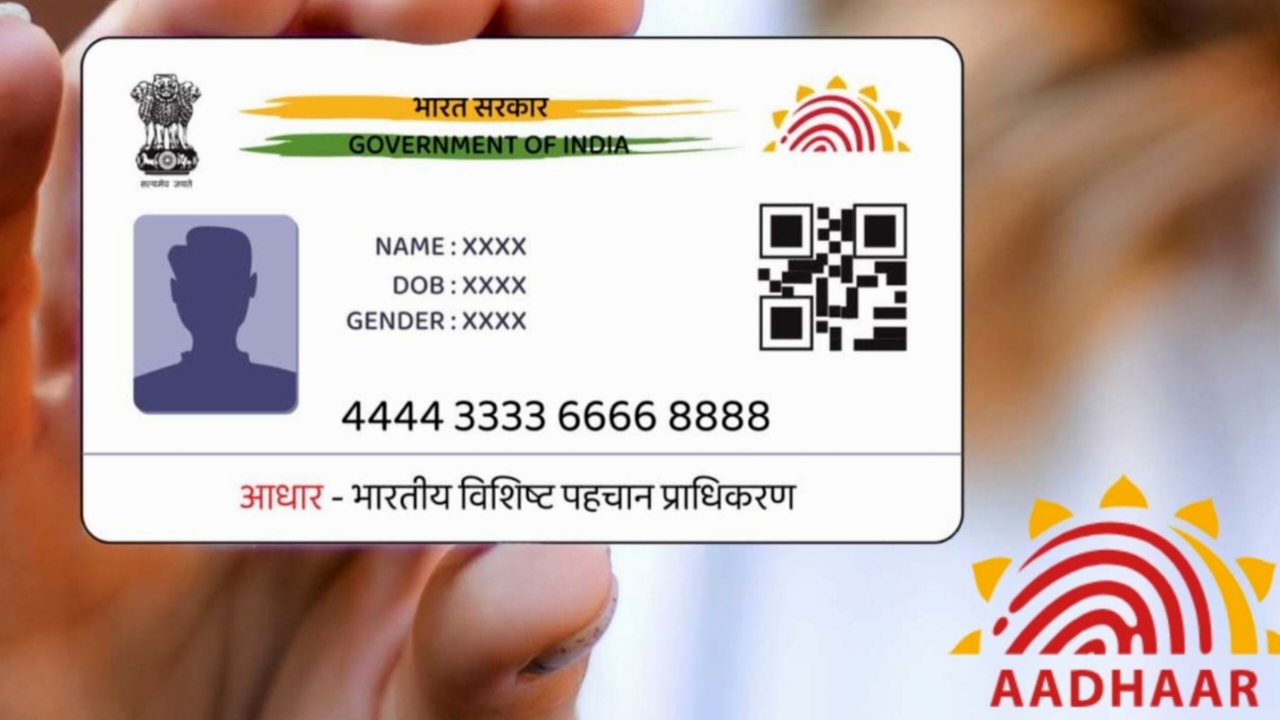
Aadhaar is a unique 12-digit identification number issued by the Unique Identification Authority of India (UIDAI) to every resident of India. It serves as a vital document for accessing various government welfare schemes and services, and also acts as proof of identity for admissions, banking, driving licenses, passports, and more.
Given its sensitive nature, it’s crucial to store Aadhaar details securely. While the UIDAI issues a physical Aadhaar card, its digital version offers a faster and more secure way to authenticate identity, thereby reducing reliance on physical documents.
What Is the New Aadhaar App?
According to UIDAI, the new Aadhaar app is a next-generation digital identity platform that enables users to access and manage their Aadhaar details directly on their smartphones. Available for Android and iOS devices through the Google Play Store and Apple App Store, the app allows citizens to verify their identity without carrying a physical card or sharing paper copies.
UIDAI also states that the app enhances data security and privacy by protecting against tampering and ensuring that data is shared only with the user’s consent.
Also Read:
Key Features of the New Aadhaar App
- Digital Aadhaar Card: Users can carry their Aadhaar card in a verifiable digital format via a user-friendly interface—eliminating the need for physical cards or unsecured PDFs.
- Multi-Profile Support: Add up to five Aadhaar profiles (for family members or dependents), accessible from the profile section.
- Biometric Lock/Unlock: Protects biometric data stored in the Aadhaar profile. Once locked, it can only be temporarily unlocked by the user.
- QR Code Sharing: Share a secure QR code for offline Aadhaar verification—useful at places like hotels or shops.
- Real-Time Updates: The app automatically displays the latest Aadhaar details after any update request is processed.
How the New Aadhaar App Differs from mAadhaar?
UIDAI now offers two Aadhaar-related apps: Aadhaar and mAadhaar. While they serve similar purposes, they are not identical.
- The new Aadhaar app focuses on secure storage and access of Aadhaar details on smartphones, prioritizing privacy and convenience.
- The mAadhaar app, however, offers additional services such as:
- Downloading a digital Aadhaar card
- Ordering a PVC card
- Verifying email and mobile number
- Generating a virtual ID (VID)
- Downloading offline eKYC
- Requesting an address validation letter
In short, the new Aadhaar app emphasizes security and authentication, while mAadhaar focuses on service management.
Also Read:
Apple Watch to Alert 1 Million Users of Potential Hypertension with New AI-Powered Feature
OnePlus Ace 6 Pro Max RAM and Storage Details Leaked Ahead of Launch
How to Download and Register New Aadhaar App?
The Aadhaar app is available for free on both the Google Play Store (Android) and the App Store (iOS). Here’s how to set it up:
- Download and open the Aadhaar app.
- Choose your preferred language.
- Register using your Aadhaar-linked mobile number or another number (the latter requires additional authentication).
- Enter your 12-digit Aadhaar number and complete SMS verification via OTP.
- Perform facial authentication — ensure good lighting and remove spectacles if needed.
- Set a six-digit password to secure app access.
- Once setup is complete, you’ll be redirected to the home page, where you can:
- View your Aadhaar card
- Share it securely with others
- Enable or disable biometric locks
Conclusion
Aadhaar remains one of India’s most important identity documents, enabling access to essential government schemes and services. With the introduction of the new Aadhaar app, UIDAI aims to make identity management more secure, convenient, and paperless. The app’s advanced authentication features and user-consent-based data sharing ensure that citizens can safely access and verify their Aadhaar details anytime, anywhere—without relying on physical cards.