
How Android Auto’s Home Screen Widgets Will Work- and What They Could Look Like? Android Auto is preparing to bring home screen widgets to its dashboard. Codenamed “Earth”, this upcoming feature will let users add widgets from their phone apps directly to Android Auto, taking inspiration from Android smartphones.
Some widgets, like Pixel Weather and Clock’s Stopwatch, already work well, offering a preview of how future customizations could appear. While still in development, we got the feature working and can show exactly how adding widgets to the Android Auto home screen will function.
Also Read:
iOS 26.1 Arrives Soon: Release Candidate Offers a First Look at New iPhone Features
Leaked Prices for OnePlus 15 and Ace 6 Ahead of China Launch: Here’s What They Might Cost
OPPO Launches Find X9 and Find X9 Pro Featuring Hasselblad Cameras and a Massive 7,500mAh Battery
Current Android Auto Widget Options
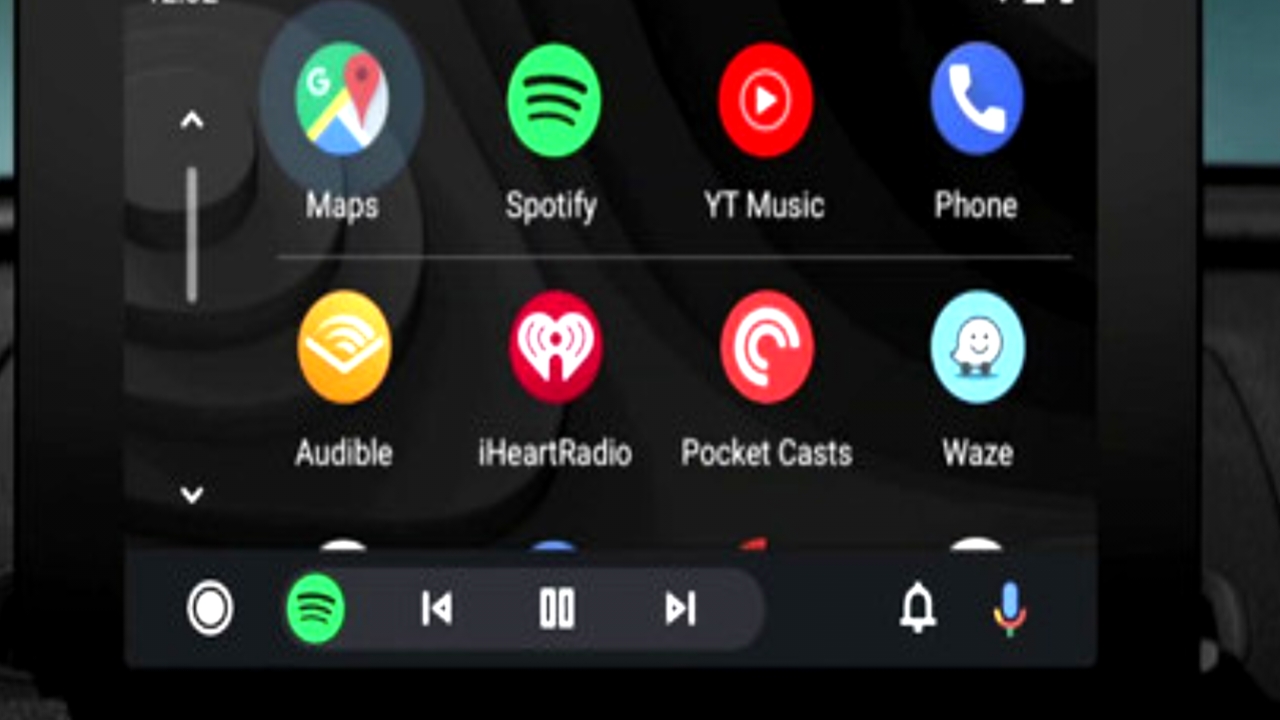
Right now, Android Auto supports Taskbar Widgets for quick app controls like media playback. These appear at the bottom of the screen, replacing traditional app icons. Users can also add custom shortcuts through Customize Launcher, performing actions like calling a contact, navigating to a saved address, or triggering Google Assistant commands with a single tap.
What Home Screen Widgets Will Do?
In its current beta form, a single widget can populate one side of the Android Auto home screen, splitting it roughly 35–40% for the widget panel and 60–65% for the main content. This allows for a more dynamic dashboard while keeping essential information accessible.
Step-by-Step Widget Setup (Beta)
We tested the workflow in Android Auto version 5.6.154404-release.daily (beta). The feature is still labeled “Earth” in settings, though Google may rename it before public release. Here’s how the process works and what users can expect when it finally rolls out.